Best WHOOP Companion Apps in 2026: 7 Ways to Make Your Data Useful
The 7 best apps that connect to WHOOP in 2026: training platforms, Strava and Apple Health sync, nutrition, mindset tools, and one that roasts you.
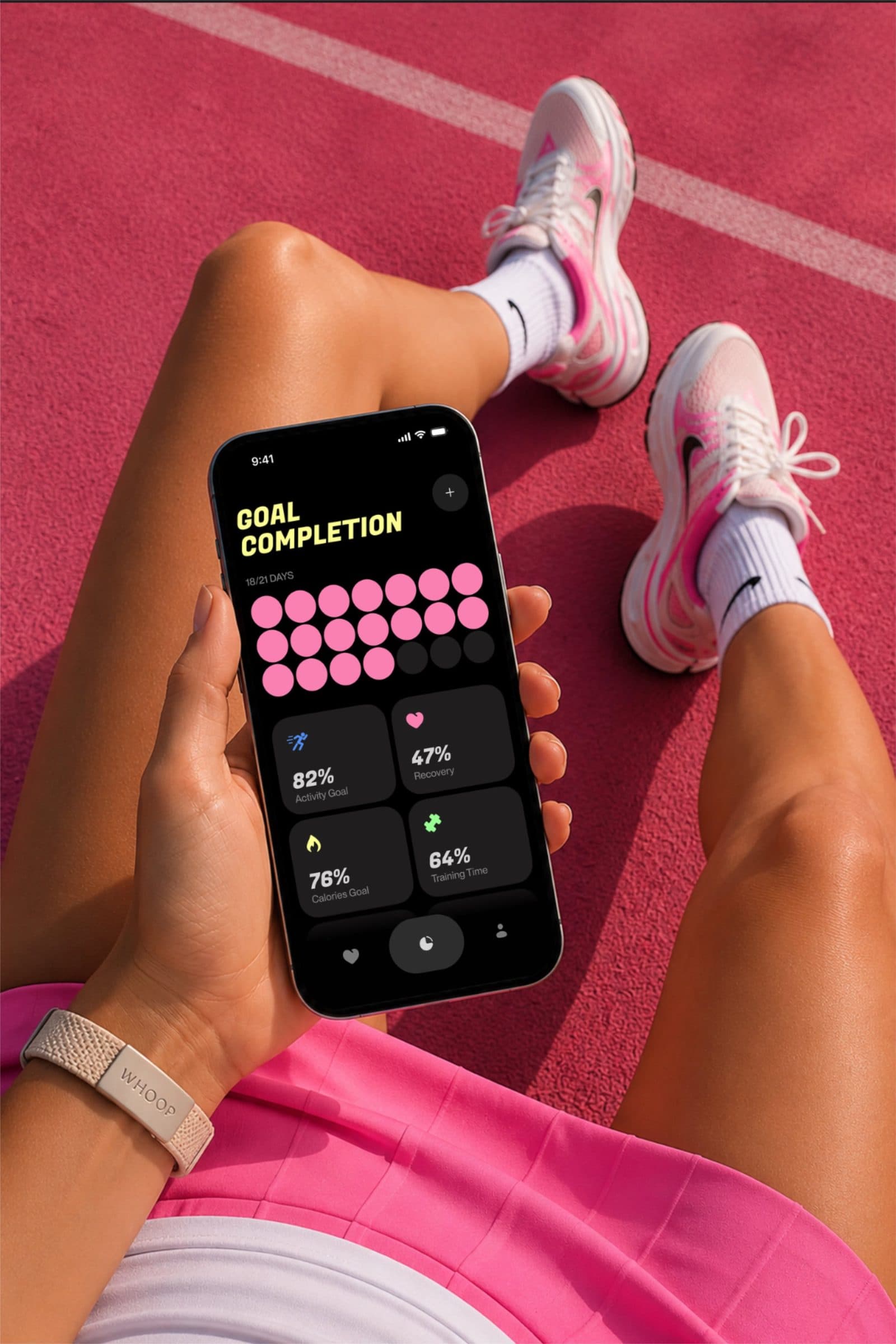
Quick answer for the impatient: the best WHOOP companion apps in 2026 are TrainingPeaks for structured training, Strava for the social feed, Apple Health as the free hub, Cronometer for nutrition, Rewire for mindset work, WHOOP Teams for accountability, and PulseCheck for making you actually open the data (full disclosure on that last one below).
All of this exists because WHOOP made a smart call: it runs an official developer platform at developer.whoop.com with an OAuth API, so third-party apps can read your recovery, sleep, and strain with your permission and without your password. Your strap collects the data. These seven decide what it becomes.
What are the best apps that work with WHOOP?
Here is the full lineup at a glance, then the honest details on each.
| App | What it does with WHOOP data | Price model | Best for |
|---|---|---|---|
| TrainingPeaks | Pulls recovery and sleep metrics into your training plan | Free tier, premium subscription | Structured endurance athletes |
| Strava | Receives your WHOOP activities with heart rate data | Free tier, paid subscription | The social feed and kudos economy |
| Apple Health | Central hub that syncs selected WHOOP data to other apps | Free | Everyone on iPhone |
| Cronometer | Lines up nutrition logging against your WHOOP metrics | Free tier, Gold subscription | Diet experimenters |
| Rewire | Combines WHOOP data with mental readiness check-ins | Subscription | Athletes working the mental side |
| WHOOP Teams | Built-in groups and leaderboards inside WHOOP | Included with membership | Accountability with friends |
| PulseCheck | Turns scores into personality-driven notifications and shareable cards | One-time $9.99 | Anyone who stopped opening the app |
1. TrainingPeaks: for people whose training has a spreadsheet
TrainingPeaks is the serious end of the pool. Connect WHOOP and it pushes a stack of recovery metrics (HRV, resting heart rate, sleep hours, sleep stages) straight into the platform where your coach or your plan lives, so workout decisions can account for how recovered you actually are. There is a free tier, and the premium plan runs roughly $20 a month. One honest limitation: the integration is one-way, so TrainingPeaks reads from WHOOP and sends nothing back.
2. Strava: because a workout without kudos barely happened
The Strava integration sends your WHOOP-recorded activities to your Strava feed, heart rate data included, and you can choose to share everything, only certain activity types, or one activity at a time. Free tier covers the social basics; the paid subscription is around $12 a month for deeper analysis. Limitation: it carries your workouts only, so your recovery and sleep data stay home. Your followers get the run without the 4am doom scroll that preceded it.
3. Apple Health: the free plumbing everything else drinks from
WHOOP can write selected data to Apple Health, which quietly makes it the most important integration on this list. Once your WHOOP data lands in Health, dozens of other iOS apps can read it without needing their own WHOOP integration. It costs nothing and takes two minutes in WHOOP's settings. Limitation: iPhone only, and you control which categories sync, so check the toggles or half your data stays behind.
4. Cronometer: for the "was it the late burrito?" investigations
Cronometer is a nutrition tracker with an unusually good WHOOP integration: it pulls your chosen WHOOP metrics into the same diary where your food lives. If you suspect your diet is moving your recovery, this puts both datasets on one page. Free tier is genuinely usable; Gold is roughly $10 a month. Limitation: it is a nutrition app first, so you are signing up for food logging, which is a habit with its own famous dropout rate.
5. Rewire: for training the organ between your ears
Rewire blends your WHOOP physiological data with short mental check-ins to produce a readiness picture that includes cognitive and emotional load, plus mindset training sessions. It is a subscription, and it is admittedly niche. But if you keep overriding red days out of stubbornness, an app that asks how you are actually doing has more range than another chart. Limitation: it only pays off if you do the check-ins, and skipping them is very easy.
6. WHOOP Teams: the companion feature hiding inside the app you already have
Before installing anything new, open WHOOP itself: Teams lets you form groups with friends and see each other's recovery and strain on a leaderboard. It is included with membership, and light public shame is a proven training methodology. Limitation: everyone in the group needs a WHOOP, and the feature only nags you if you open the app, which brings us to the elephant on this list.
What if the problem is that you stopped opening WHOOP?
Every app above makes your data smarter, and none of them fix the actual failure mode. Industry surveys consistently find that a large share of wearable owners quietly stop engaging with their device within 6 to 12 months. The best analytics app on earth is useless if you stopped opening WHOOP in week 6. We wrote a whole piece on why that dropout happens, and the short version is that dashboards stop producing feelings.
That gap is the one PulseCheck was built for, and full disclosure: PulseCheck is our app. PulseCheck connects through WHOOP's official OAuth API like everything else on this list, then flips the direction of effort: instead of you going to the data, your recovery, sleep, and strain come to you as notifications with an actual personality. Ten voices, from Zen Mode to Data Daddy to a Toxic Ex who has strong feelings about your 31% recovery (that is deep in WHOOP's red band, which runs 0 to 33%, per support.whoop.com). Add shareable cards for the group chat and your WHOOP data becomes something you react to instead of something you audit. It is an entertainment layer rather than an analytics one, which is precisely the point.
The other differentiator is the price model. Nearly everything above is a subscription stacked on your existing WHOOP membership. PulseCheck is a one-time $9.99, and then it is yours.
How do you choose which ones to install?
Do it by problem, and start with a maximum of two:
- Free plumbing first. Turn on Apple Health sync (and Strava if you post workouts). Zero cost, immediate value.
- Training with a plan? TrainingPeaks. Chasing a diet-recovery link? Cronometer. Overriding every red day? Rewire.
- Barely opening WHOOP anymore? Skip analytics entirely and fix engagement, whether that is Teams, PulseCheck, or both.
- Audit in a month. Any companion app you have not opened in 30 days gets deleted. The data stays on WHOOP's servers either way, so uninstalling costs you nothing.
And if you are brand new to the strap, sequence matters: get through the first-week setup before adding companions, because a well-calibrated baseline makes every app on this list better.
Quick answers
- Does WHOOP have an API for third-party apps?
- Yes. WHOOP runs an official developer platform at developer.whoop.com with an OAuth 2.0 API. Third-party apps request your permission, you approve access through WHOOP's own login flow, and the app can then read data like recovery, sleep, and strain. You can revoke access at any time.
- Are WHOOP companion apps subscription-based?
- Most are. Training and nutrition platforms typically run somewhere around $10 to $20 a month on top of your WHOOP membership. The main exceptions are free syncs like Apple Health and Strava's free tier, and one-time-purchase apps like PulseCheck at $9.99.
- Do WHOOP companion apps drain the battery?
- Barely. Companion apps read data from WHOOP's servers over the internet rather than talking to the strap itself, so they add nothing to the strap's battery load. Any phone battery cost is just normal app usage, which is negligible for notification-style apps.